1. Add the property and photos you're allowed to use
Create a customer and project with the property's address. Upload or fetch only images you have permission to use. Note site limits separately, because a photo can't show setbacks, utilities, access width or what's underground.
2. Pick the products and options you sell
Check your catalogue prices, then choose the pool, finish, deck, spa and anything else the job needs. Concept images help a homeowner picture the look. Check each one for missing items or changed shapes before you use it in a sales conversation.
3. Confirm quantities and rates
You can save a draft while information is missing. Before you publish, every option you include needs its quantities and prices. For area work, enter the measured square footage and your own rate. A line you price at zero on purpose is different from a rate you don't know yet.
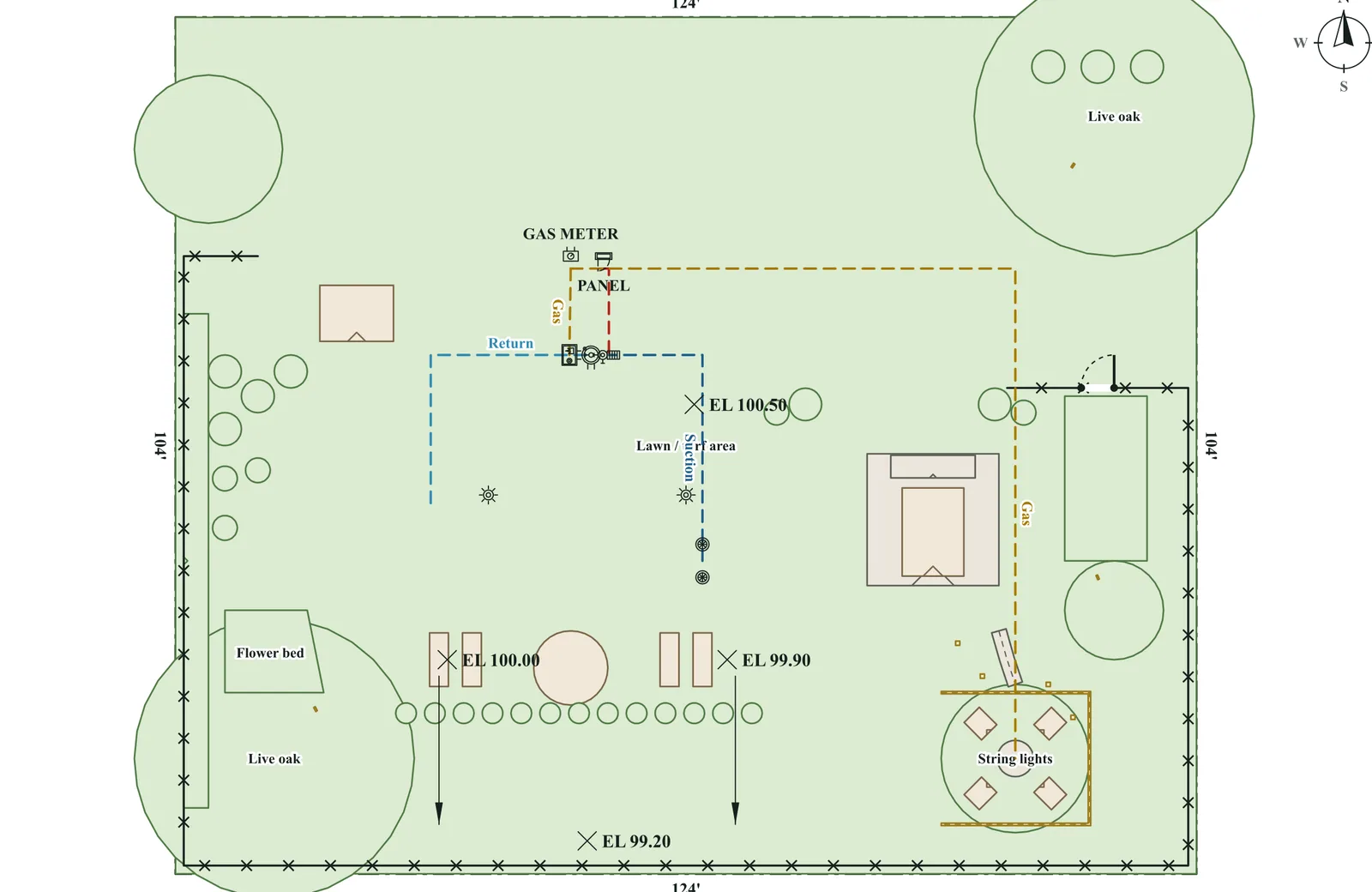
4. Publish and follow the homeowner's response
Publish a complete proposal and share the link however you usually reach the customer. The homeowner reviews the published options and responds. An open or a like shows interest. It isn't a signed construction agreement or a collected deposit.
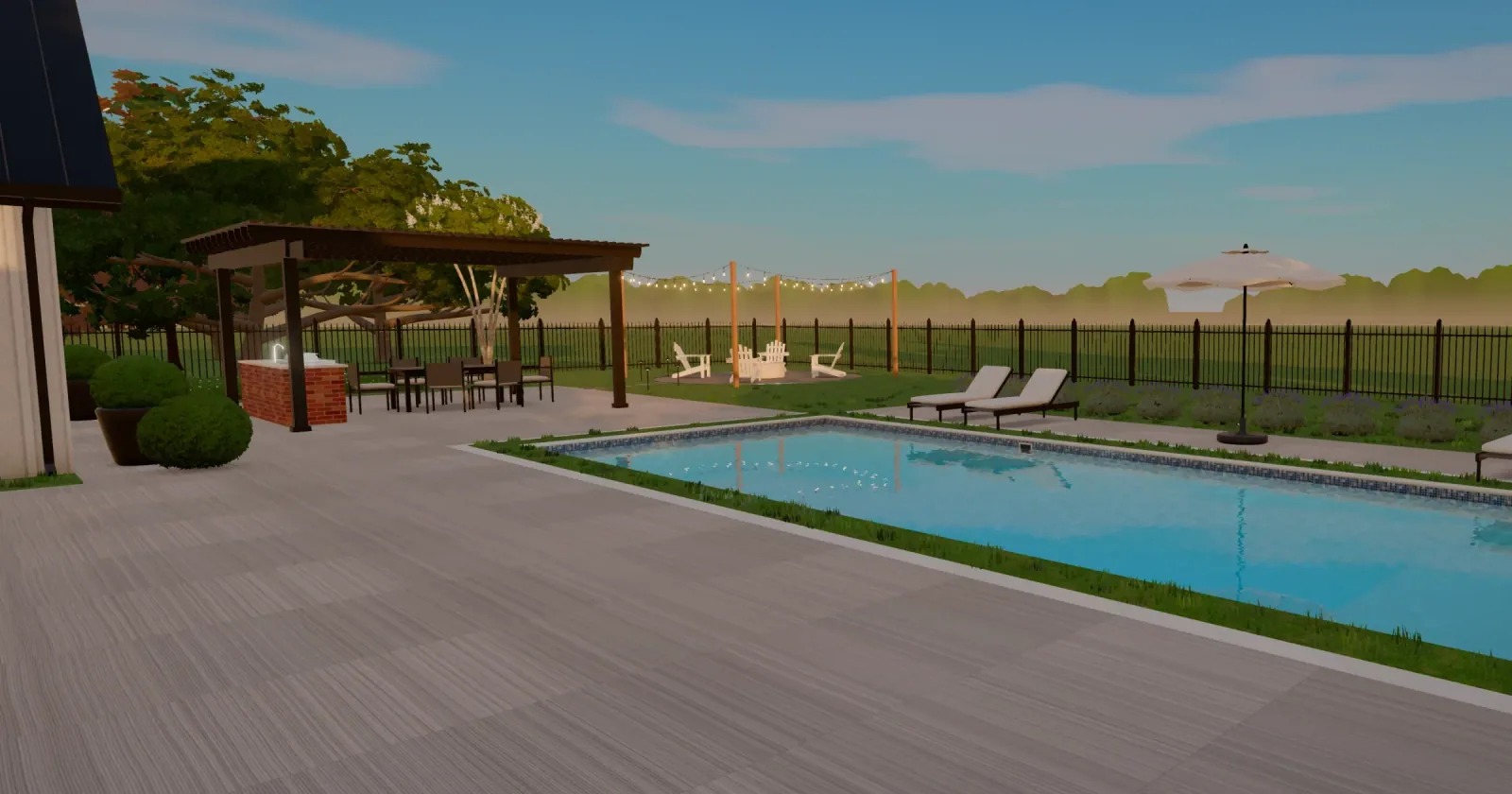
5. Keep the offer current
Saved changes reach the homeowner's link at the same address, and an open page shows them within seconds. An option that isn't ready to send keeps its last published version until you fix it. Once the homeowner has answered, reopen the quotation to change it. They answer the revised offer again, and their earlier answer stays in its history.